Modern refrigerators are computers with a compressor attached. Like any computer, the control board can get into a confused state — after a power cut, a brownout, or a sensor glitch — and stop cooling even though nothing is physically broken. A reset clears that state.
It costs nothing and takes ten minutes, which is why it is the first thing to try on almost any fridge fault.
- Universal reset: unplug the fridge for 5–10 minutes, then plug it back in.
- Faster reset: trip the fridge's circuit breaker for 1 minute, then restore it.
- After reset: wait 24 hours before judging — the fridge needs time to reach temperature.
- If it does not help: the fault is physical, not electronic — move to diagnosis.
- Do not reset repeatedly; if two resets do not fix it, the problem is a part.
On this page
When a reset helps
A reset is worth trying when the fridge shows any of these symptoms:
- The fridge stopped cooling after a power cut or storm.
- An error code is showing on the display.
- The temperature display is flashing or showing dashes.
- The fridge is running constantly or not at all.
- The ice maker or water dispenser stopped working.
- The fridge beeps for no reason.
A reset will not help if the compressor has failed, the sealed system has leaked, or a fan has seized. Those are physical faults, and no amount of resetting will fix them.
How to reset your fridge
There are two ways, and both work by cutting power to the control board so it reboots clean.
- Unplug method (safest). Pull the fridge's plug from the wall socket. Wait 5 to 10 minutes — not 30 seconds. The capacitors on the board need time to drain. Plug it back in.
- Breaker method (faster). Go to your electrical panel and switch off the breaker that feeds the kitchen. Wait 1 minute, then switch it back on. This is useful if the fridge is hard to reach.
- Do not use the display's 'reset' button alone if your model has one — it often only resets the display, not the board. Cut the power instead.
A 30-second unplug is not a reset. The control board holds residual charge, and if you restore power too quickly it may not reboot cleanly. Give it a full 5 to 10 minutes.
Reset by fridge type
| Fridge type | Reset method | Notes |
|---|---|---|
| Standard top/bottom freezer | Unplug 5–10 min | Simplest; no display |
| French door with display | Unplug or breaker | Display may need a separate reset |
| Samsung with Family Hub | Unplug 10 min | Some models have a hidden reset button |
| LG with Smart Diagnosis | Unplug 10 min | Use the app's diagnostic after reset |
| Whirlpool/Maytag | Breaker 1 min | Check for a diagnostic mode |
| Built-in / counter-depth | Breaker | Plug may be behind the unit |
For most brands the procedure is identical: cut power, wait, restore. Some Samsung and LG models have a diagnostic mode you can enter with a button combination, but that is for reading fault codes, not for resetting.
What to do after a reset
After restoring power, the fridge will run continuously for several hours to pull down to temperature. Do not open the doors repeatedly to check — each opening lets warm air in and extends the pull-down time.
- Wait 24 hours before deciding whether the reset worked.
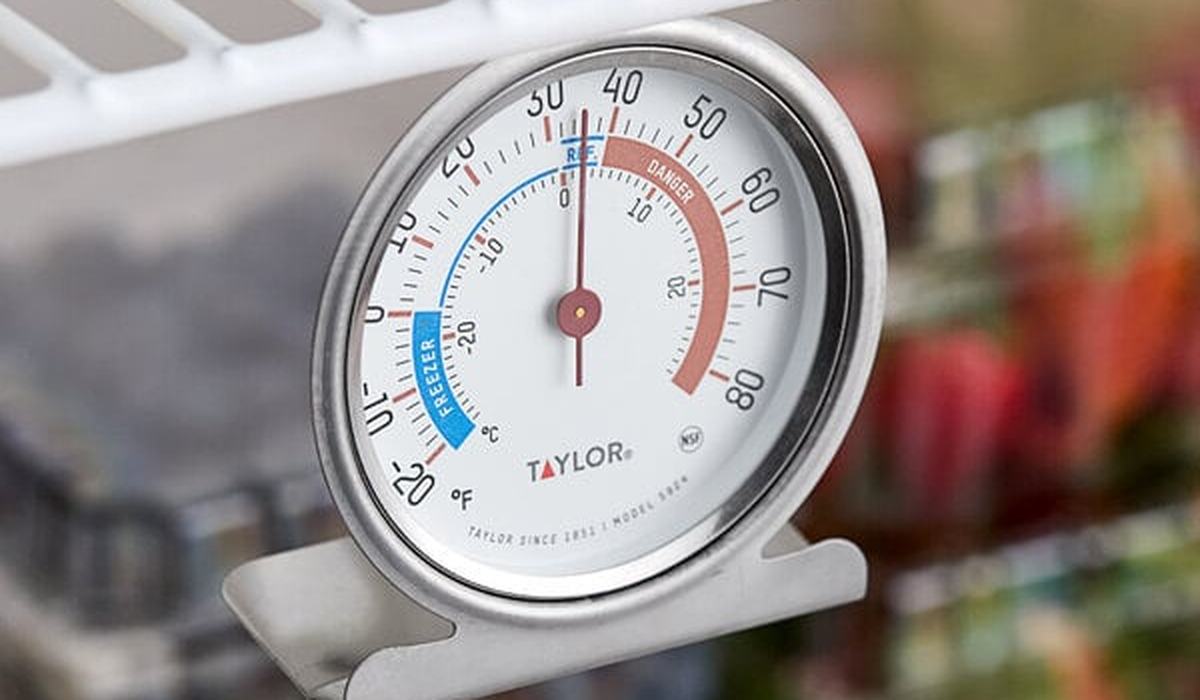
- Check the temperature with a fridge thermometer after 24 hours. Fridge should be 34–40°F, freezer 0°F.
- Listen for the compressor and fan. If you hear nothing, the fault is electrical or the compressor.
- Look for error codes. If a code returns after the reset, look it up — it points to the failed part.
- If it did not work, move to physical diagnosis: vents, defrost system, fan, damper.
A reset is free and fixes a surprising number of fridge faults. Unplug for 5 to 10 minutes, restore power, and wait 24 hours. If two resets do not help, the problem is a physical part, not the control board.
Frequently asked questions
Diagnostic tools
A fridge thermometer confirms the reset actually fixed the temperature.